FDIC Insured – Backed by the full faith and credit of the US Government
Digital Wallet
Mobile Banking
Mobile Deposit
Real-Time Payments
Real-Time Alerts
Digital Wallet
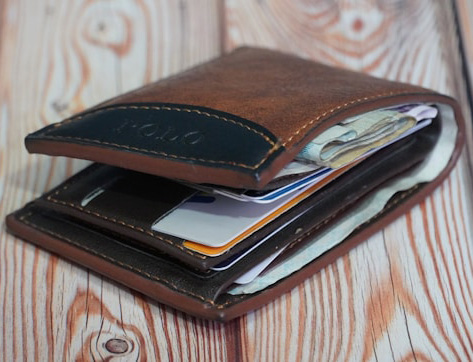
No more touching point-of-sale terminals or digging for your wallet!
Load your Mechanics Cooperative Bank Debit Card into your mobile device digital wallet and make purchases at thousands of retailers using only your phone! Its never been so easy – or secure.
Available for these payment apps

Get Started
Open your device’s digital wallet and simply follow the on-screen prompts to add a new card.
ApplePay
Once your card has been added you are all set, it’s ready to use!
(Some users may require Bank authorization depending on specific phone and security settings. If authorization is required, you will receive an approval message within 1 business day.)

Google Pay
Works on Android Phones and requires approval once your card is added. You will receive an approval message within 1 business day.
Samsung Pay
Requires approval once your card is added. You will receive an approval message within 1 business day.
(Please note Samsung phones can also use Google Pay)
Using Digital Wallets in Stores
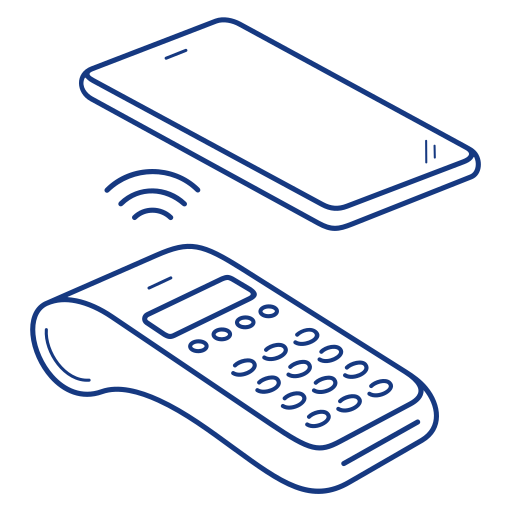
Look for the digital app logo (Apple Pay, Google Pay, Samsung Pay) when checking out at a store! It’s as easy as holding your phone near the credit card reader to transmit your card info. Your phone uses Near Field Communication (NFC) to transmit the data to the terminal safely and securely.
(Devices will require PIN, fingerprint or facial recognition software to complete your purchase.)